blindless

How to use Blindless

Blindless is a live dashboard for AI agents. Connect the agents you already use, such as Grok Bot, Turnstone or Muse, and it shows what each one is doing, who is stuck and what got done. This guide takes a few minutes.

Pick a starter prompt

Blindless, explained

Connect your agents

Paste one link into any agent app you use: Grok Bot, Turnstone, Muse, Duet, Dots, Instinct or Hermes. From then on it reports what it does.

Click Get started, then Connect an agent.

Grok BotTurnstoneMuseDuetDotsInstinctHermes

The Bots page

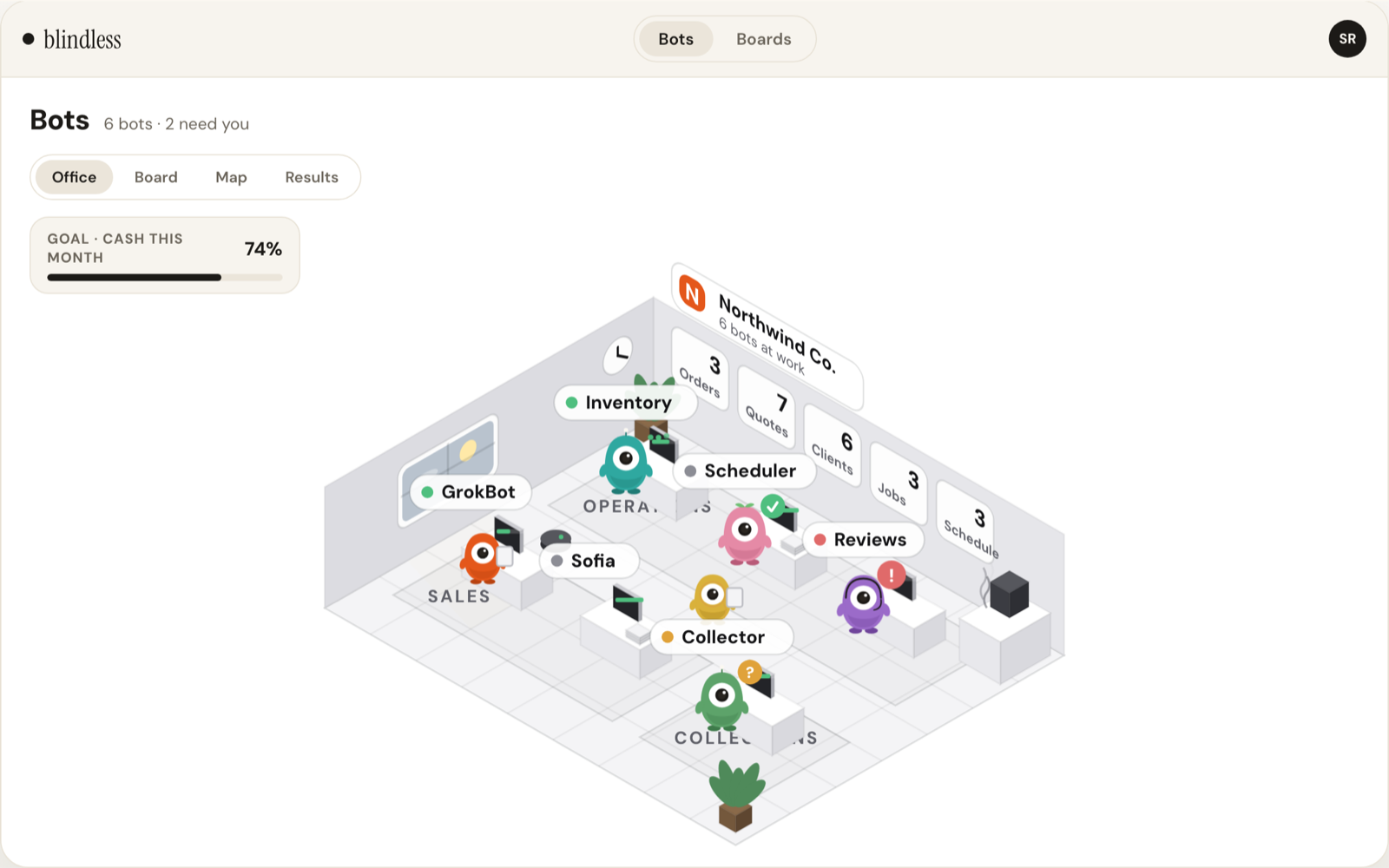
Every agent you connected, in one office. See who is working, who is done and who needs you.

Click any bot to see its results.

The Bots page in Blindless

Board view

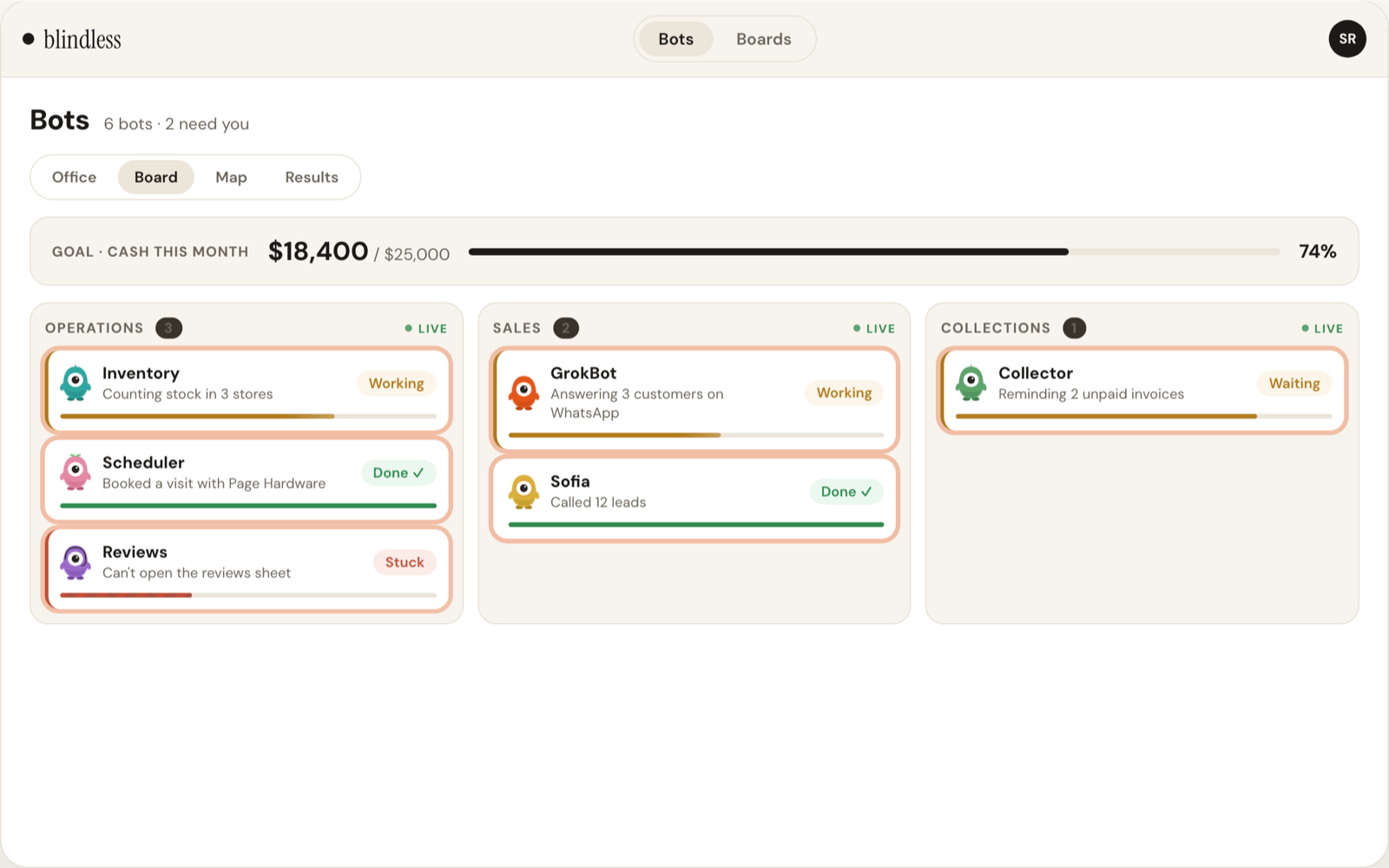
Your monthly goal on top, then each team's bots with what they are doing right now.

Board view in Blindless

Map view

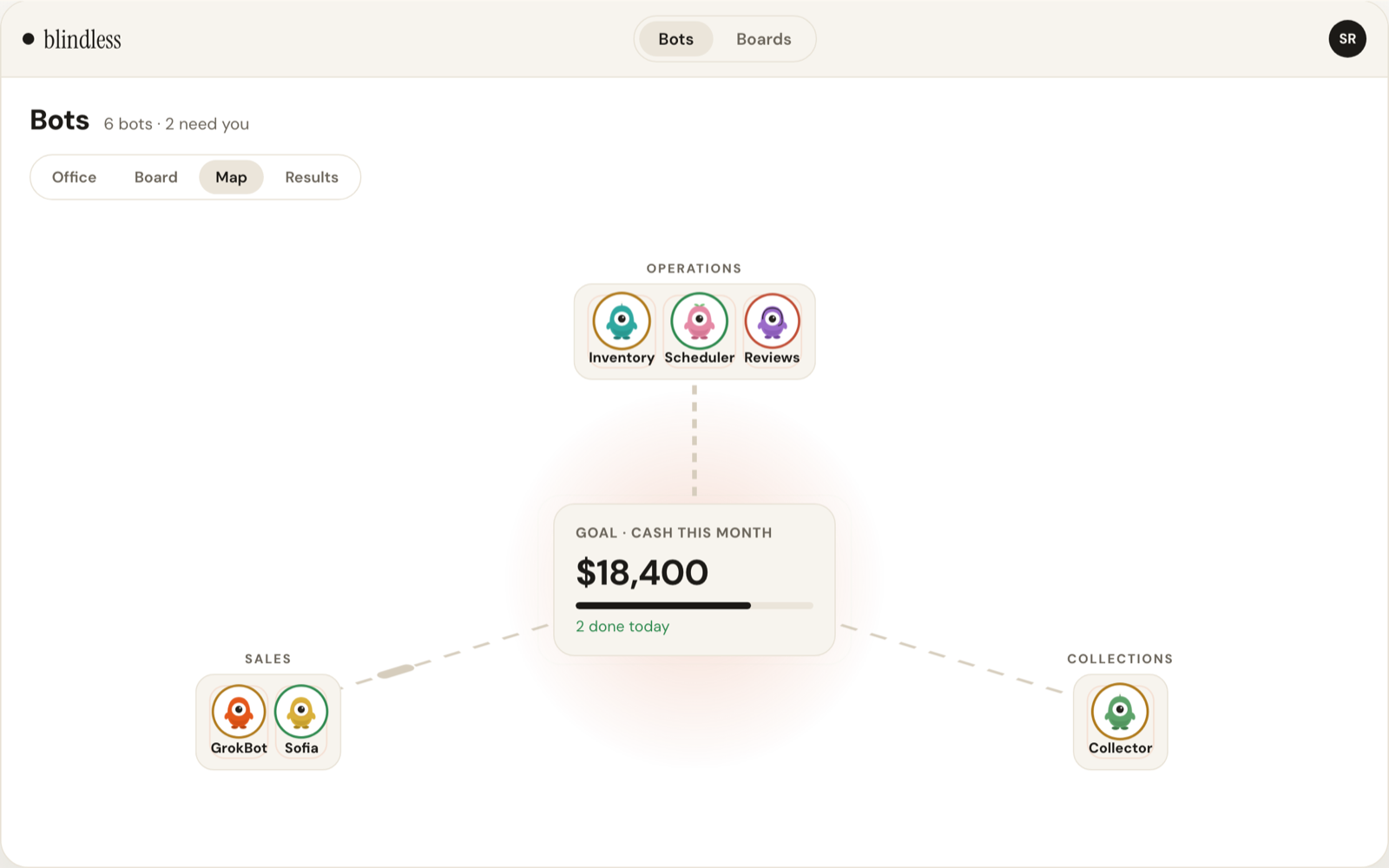
How each team moves your goal. Lines light up as work gets done.

Map view in Blindless

Results

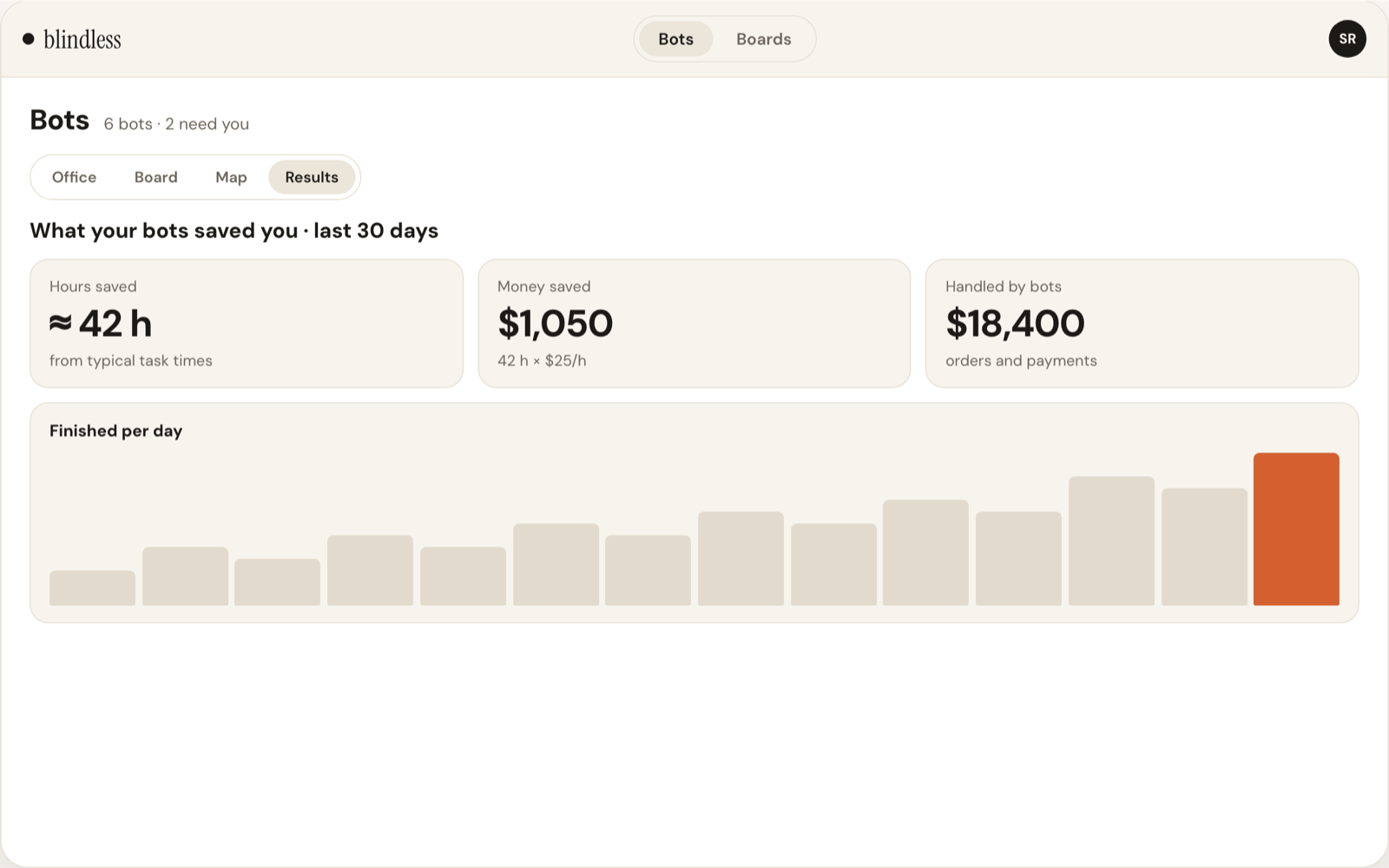
Hours and money your agents saved, per bot and per day.

Results in Blindless

Boards

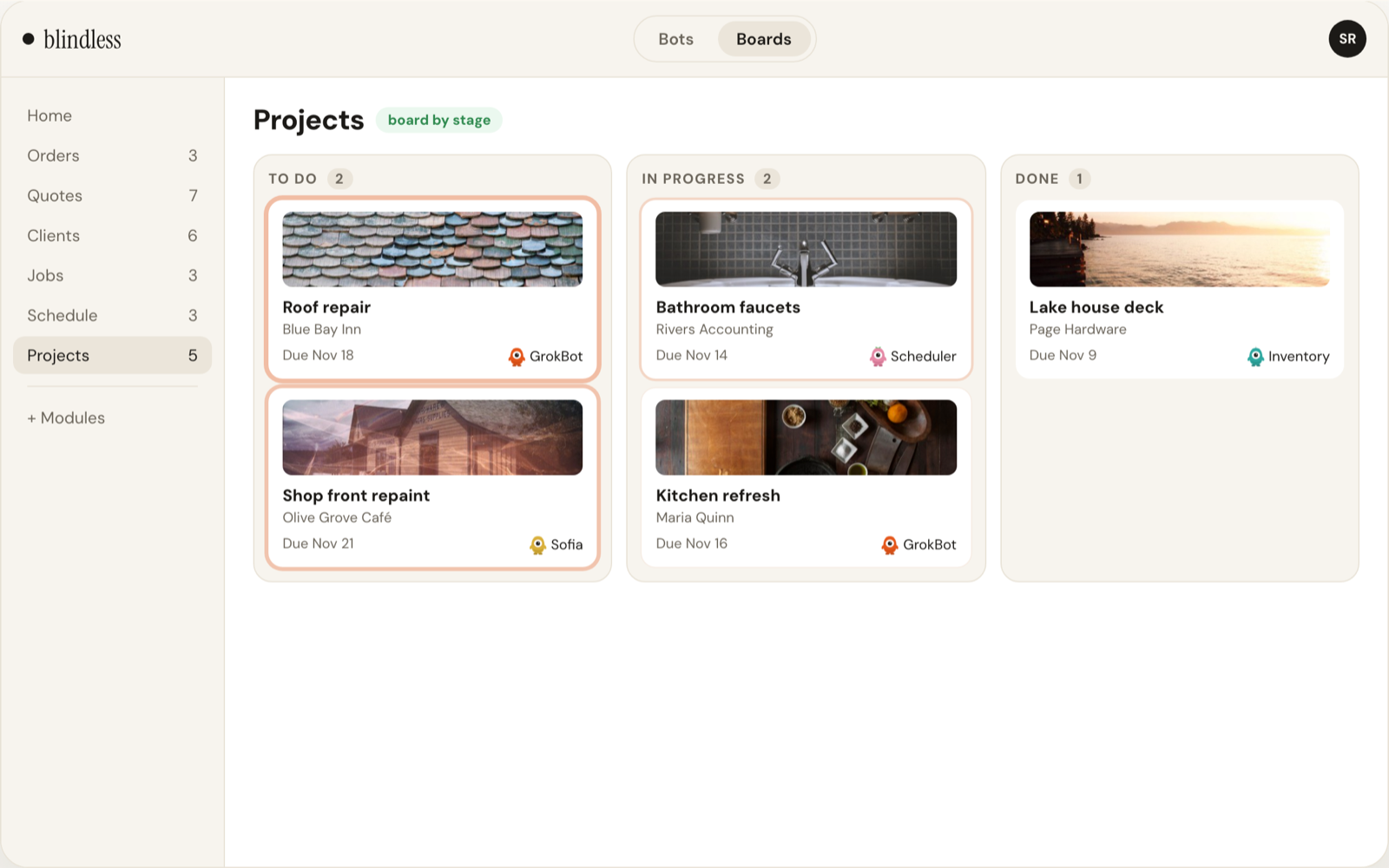
Ask any agent, in its own app, for a new board. It builds the right module in Blindless and fills it in, with photos.

Nothing changes until you say yes.

Boards in Blindless

From a request to something you can see

These examples use sample data.

Track your YC application

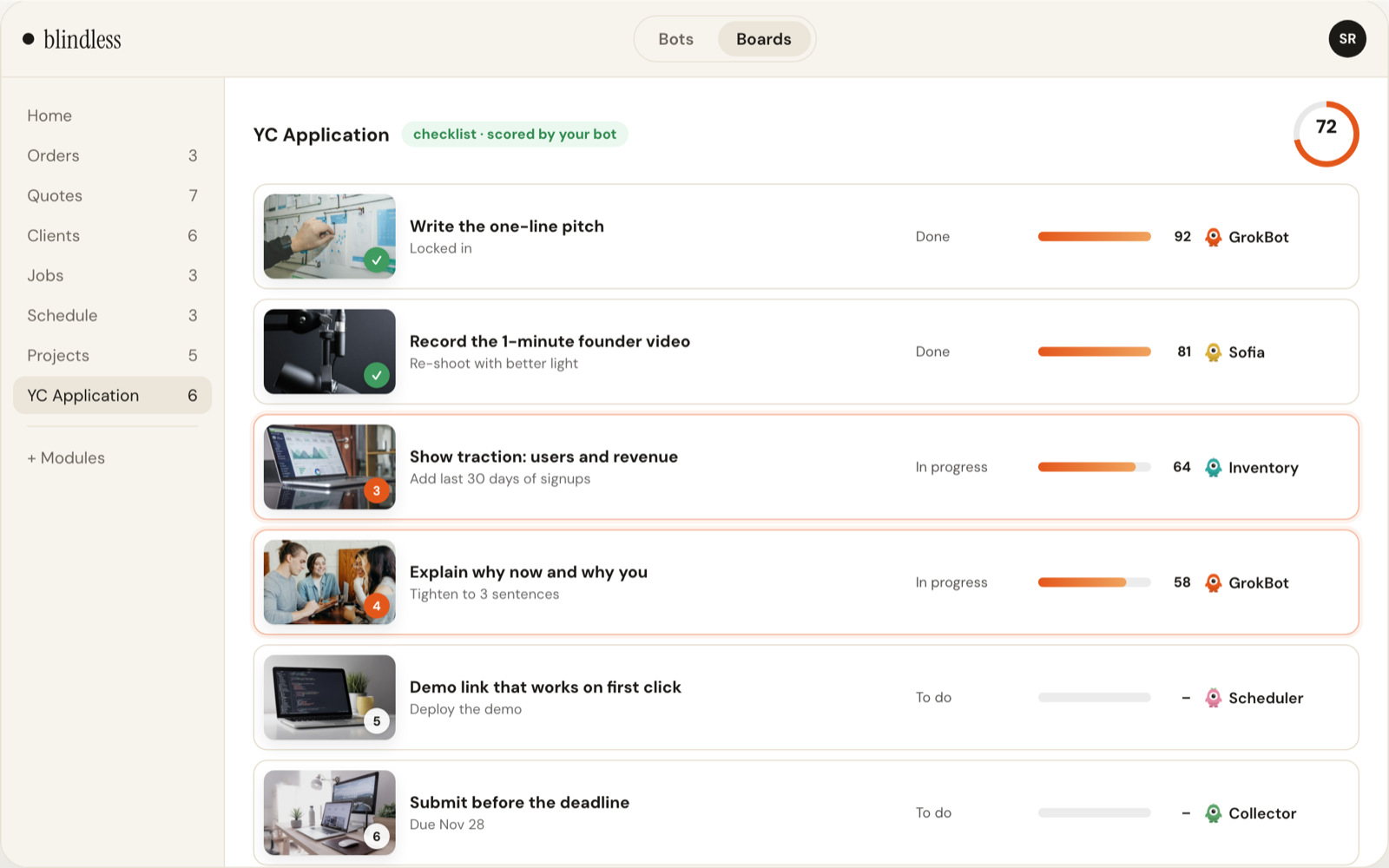
Ask for every step of the application, scored by your bot. Click a step to see why it got that score.

Track your YC application in Blindless
Sample data. A founder's YC checklist, built by an agent.

Unblock a stuck agent

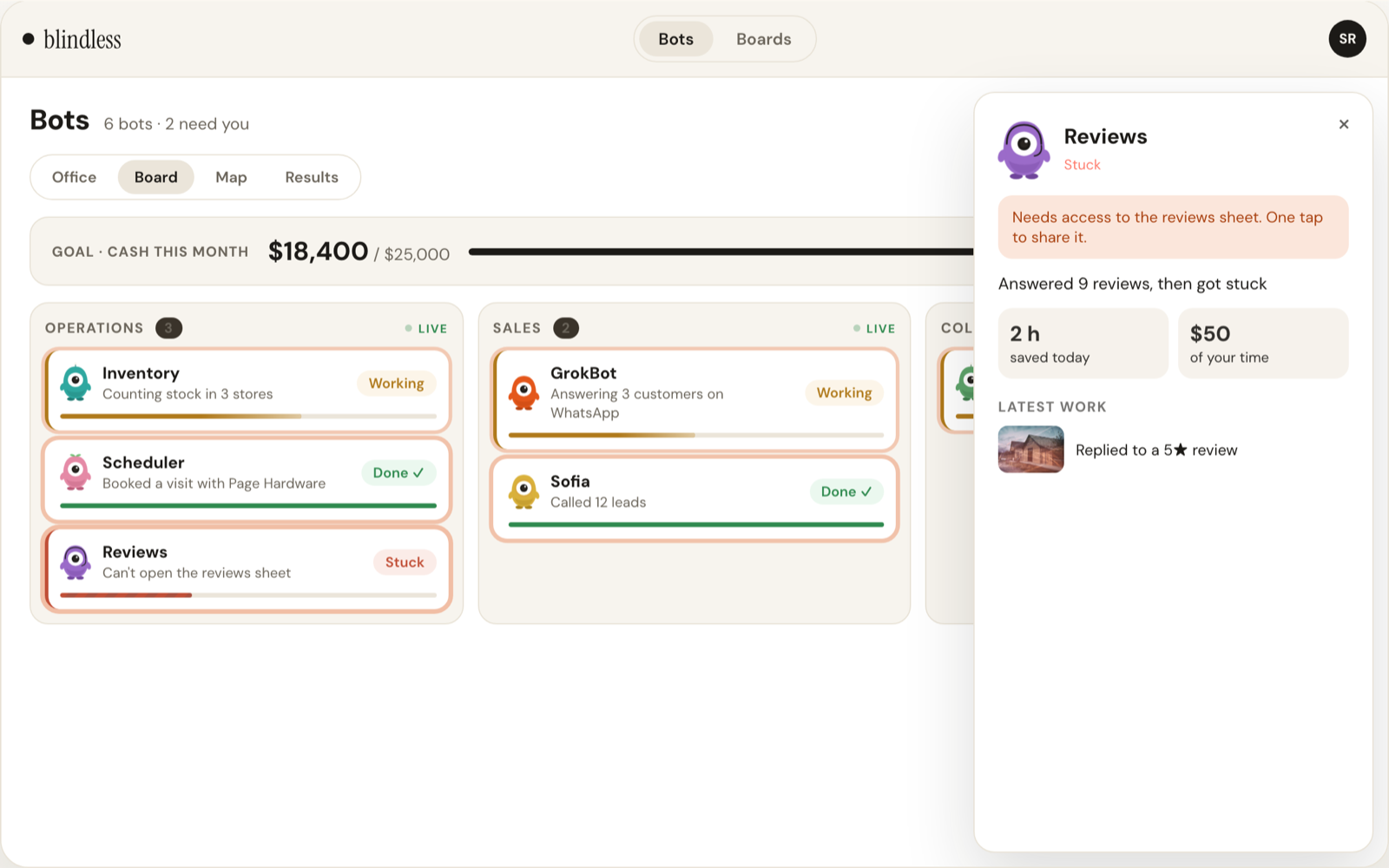
A stuck bot tells you exactly what it needs. One tap and it keeps going.

Unblock a stuck agent in Blindless
Sample data. Reviews needs access to a sheet.

And so much more

Works with any agent

One link connects Grok Bot, Turnstone, Muse and more.

Stuck alerts

Know the moment an agent needs you, not hours later.

Photos on every record

Every card your bots fill in shows what it tracks.

Monthly goals

Set a goal and watch each team move it.

Invite your team

Everyone sees the same live board.

Private by default

Your agents' work stays in your account.

Day and night

Light by day, dark by night, automatically.

Approve before changes

Agents show the change and wait for your yes.

Not sure where to start?

Copy a prompt and paste it into any agent you use.

Track 1See what your agents did todayConnect to Blindless and report every task you finish today, with its result and the time it saved.
Track 2Build your first boardCreate a Blindless board for the jobs you book for me, with client, stage, due date and a photo, and keep it up to date.
Track 3Plan a big goalCreate a Blindless module with every step I need to apply to Y Combinator, and score each step from 0 to 100.

Your agents are already working. Now you can see it.

Watch the short lessons in the Academy, or talk to the team.

Get started free